On computer ergonomics
I remember those long nights coding and designing with an old Thinkpad. My wrists were like contortionists in a circus, stretching all the fingers to reach all the shortcuts in Figma, JetBrains or VIM. Around that time I did not know I could swap the ESC and CAPS LOCK keys in most operating systems 😅
One day I sat at my desk, opened my laptop and started to type. The pain on my wrists was considerable so I barely touched the keyboard for some days.
Keyboard first
A friend of mine told me about the i3 window manager, and how he reduced the movement of his wrists since he could navigate the computer mainly with keystrokes. It took me some months to have a setup I liked but wow, it was amazing! I moved lots of pieces of my workflow to be more keyboard centric, less jumping to the mouse, less suffering for my wrists.
There was an improvement but not enough. I still had recurrent pain, so I continued my search. I still used a mouse and touchpad since around that time I used Figma quite a lot. I got a vertical mouse and it helped, but the keyboard was the elephant in the room.
Down the keyboard rabbit hole
I bought a mechanical keyboard, nothing fancy, the clickety-clack feeling was great though. Then I realized how expansive the keyboard world is. So many possibilities of customization and variations!
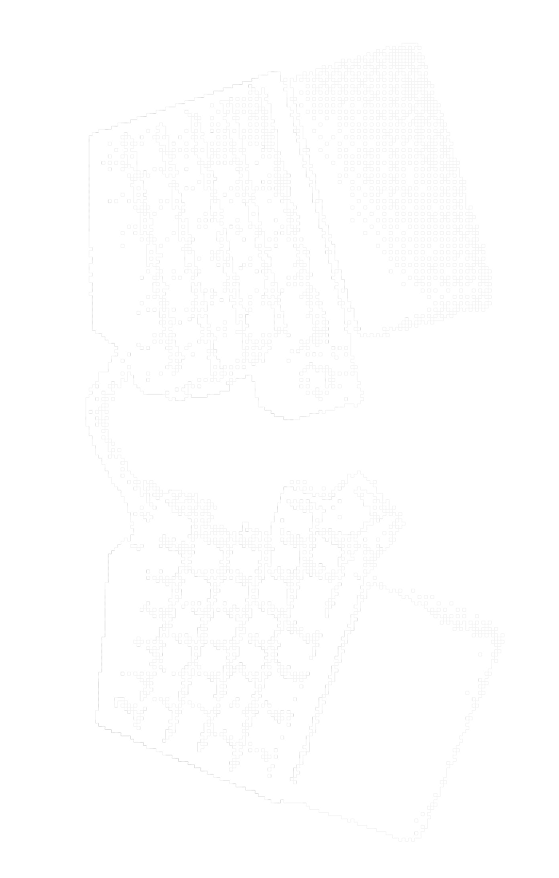
I learned about split keyboards and I got a UHK Keyboard with the trackpoint module. Took me a bit to get used to it. (It did not help that I got the version without key labels 😂.) Nowadays it is my favorite keyboard ever. It is a pleasure to use and each time I work outside home I dearly miss it.
My wrists are fine now. It took a window manager, a vertical mouse and a split keyboard to get here, but they are fine.
Now I'm on a quest to find a portable split keyboard, but I find it difficult, they are quite bulky so not great to carry on. I also wish the laptop manufacturers would rethink a bit ergonomics but I guess they don't really care :)